Understand Your Rental Limitations
Before rearranging furniture or making cosmetic changes, always check your lease and confirm what’s allowed. Most rental agreements restrict:
Drilling into walls or ceilings
Painting or altering surfaces
Installing large fittings without approval
This doesn’t mean you can’t create a great setup. You just need to be clever with portable solutions and non-permanent improvements.
Choosing the Right Location Within Your Rental
You don’t need a dedicated study. What matters is finding a space with:
Natural light
Minimal noise
Good airflow
Access to power outlets
Common areas used for remote work include corners of bedrooms or living rooms, wide hallways, or even covered balconies. If you’re deciding between furnished or unfurnished rentals, Furnished vs Unfurnished Rentals: What’s Better for You? outlines the pros and cons of it.
Furniture That Works in a Rental
You want furniture that supports productivity without permanently altering the space. Start with:
1. A Proper Chair
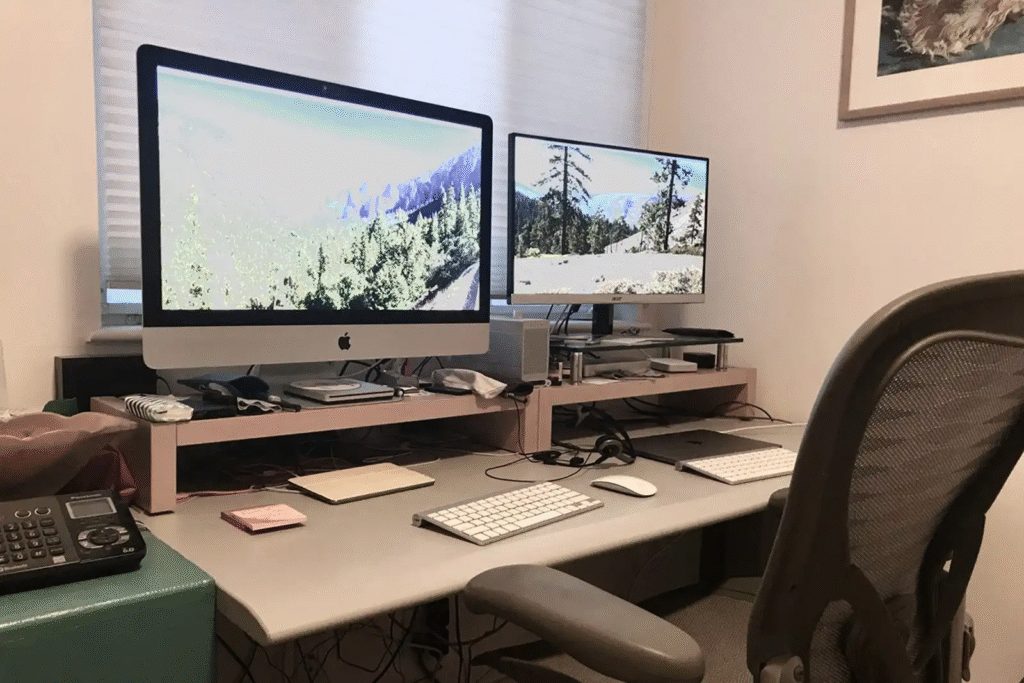
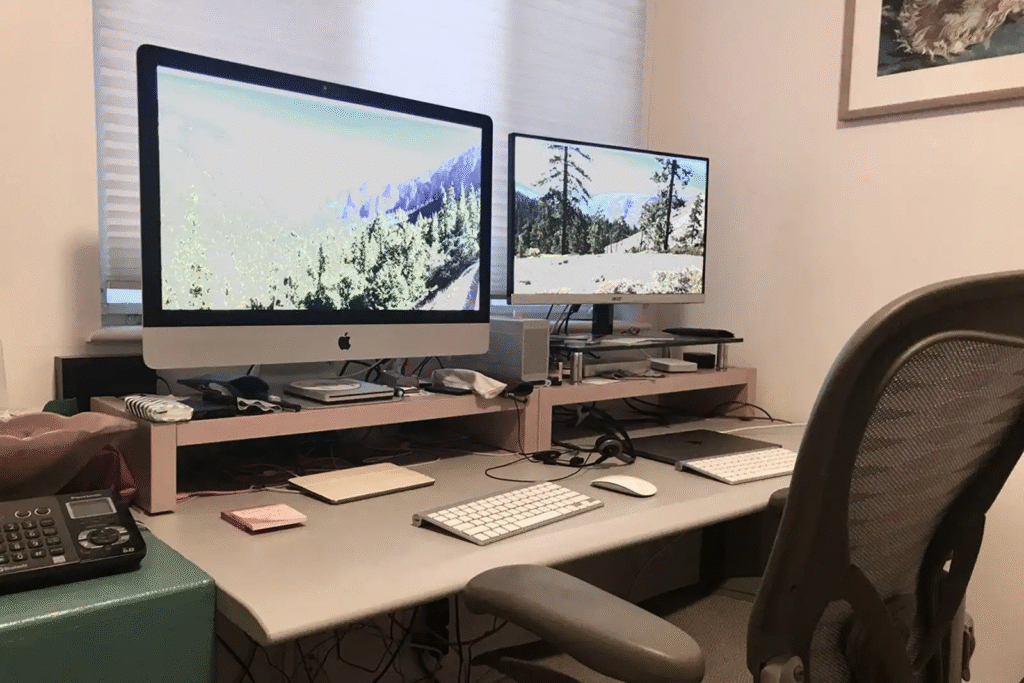
Ergonomic support is essential if you’re sitting for long periods. Try second-hand marketplaces or flat-pack retailers for affordable options.
2. A Compact Desk
Look for lightweight desks with drawers or shelves to reduce clutter. A foldable desk may suit smaller rentals.
3. Portable Accessories
Use a laptop riser or monitor stand to improve posture. Cable clips and desk organisers help keep things tidy without making permanent changes.
4. Standing Shelves and Command Hooks
Use standing bookshelves or removable hooks to store gear or hang decor without damaging walls.
Looking to make your place feel more like home? Check out these simple renter-friendly upgrades that can make a big difference in your kitchen here.
Styling Without Damage
Personalising your workspace makes a huge difference, but it needs to be rental-friendly. Try:
Peel-and-stick wallpaper or decals for colour
Small indoor plants to improve air and mood
Area rugs to define your workspace
Battery-powered LED lamps for extra light
Clip-on desk fans instead of wall-mounted options
These touches help make your workspace feel intentional, even if it’s just a corner of another room.
Internet, Power, and Practical Upgrades
For an efficient home office:
Confirm NBN availability before signing a lease
Use a Wi-Fi extender if your signal is weak
Avoid overloading power boards
Check how many power points are in the room before committing
Find My Home helps renters flag these needs early when searching, so we only apply for properties that support your lifestyle, especially if remote work or study is essential.
Budget-Conscious Tips
You don’t need a big spend to set up a great work-from-home space. Consider:
Facebook Marketplace or Gumtree for low-cost office furniture
Kmart or IKEA for compact desk items
Repurposing a dining table with accessories to double as a workstation
Using second-hand tech like monitors, keyboard trays, or LED lamps
Final Thoughts on How to Set Up a Productive Work from Home Space in a Rental
Creating a productive home office is entirely possible, even in a rental. No renovations required. With the right furniture, lighting, and layout, you can set up a work from home space in a rental that’s both functional and comfortable.
If you’re still searching for the right property or want to avoid choosing a space that doesn’t fit your needs, Find My Home can help. We work directly with agents to secure rentals that match your lifestyle from day one, not just how a property looks, but how it works for you.